When a tooltip became an enjoyable feature, and when to draw the line.
Every text entry in Did It has an icon next to it. For a long time, that icon was a checkmark and nothing else.
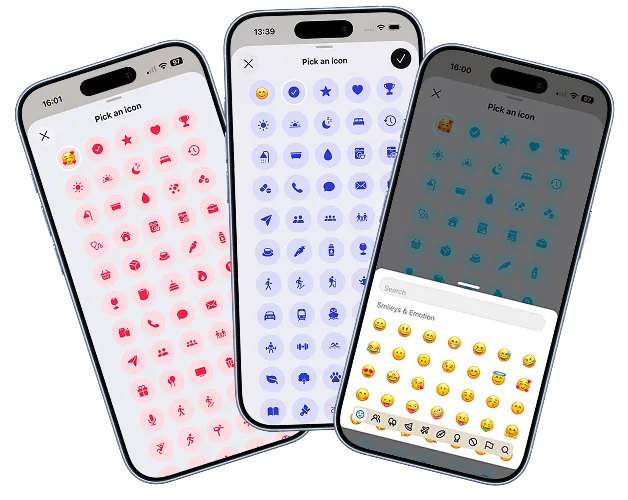
Tap it and a bottom drawer opened showing a grid of options: SF Symbols on iOS, Material Symbols on Android, all shown in the primary colour of the entry they’d appear in. Pick one, done. It was a nice bit of personalisation, but entirely manual. The problem was that my early testers never tapped it. Not because they didn’t want to, but because nothing suggested they should.
I needed a way to draw attention to the picker without putting a big neon sign next to a bit of UI.
UI is like a joke. If you have to explain it, it’s not very good.
I read this a long time ago, no idea where, but it has haunted me ever since!
The first version of auto-selection was simple: as soon as the app recognised a word or phrase while you were typing, the icon updated. Type “Had a coffee in the sun” and the checkmark became a mug before you’d finished the sentence. It was keyword and phrase matching against a lookup table, prioritising activities over objects and subjects. If you typed something the app didn’t recognise, the icon stayed as a checkmark. No harm done.
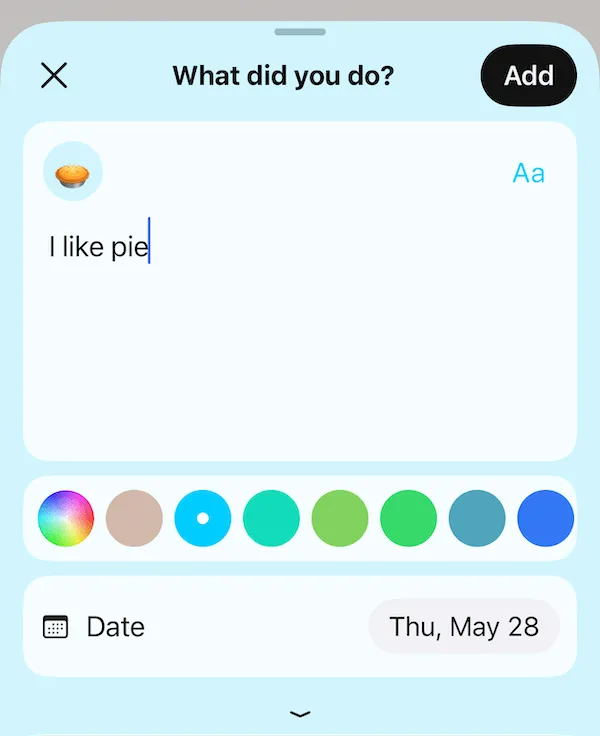
People noticed. More than I expected. And almost immediately they started asking for more pairings. So I added more. Then emoji, for things native icons couldn’t cover. Emoji are handled via the rn-emoji-keyboard package (I tried many, this was the most reliable and lightweight), lazily loaded so it is only called if you actually open the icon picker. The entry sheet doesn’t carry that weight until it’s needed. Then word and phrase matches for certain emoji too, to surface the fact that they were available at all.
The second version added priority. If you typed something that matched one icon early in a sentence, but a later word was a stronger or more specific match, the icon updated again. “Got the dog out for a walk” might start with a person walking and end with dog prints. The matching had developed its own opinions about what mattered most in a sentence.
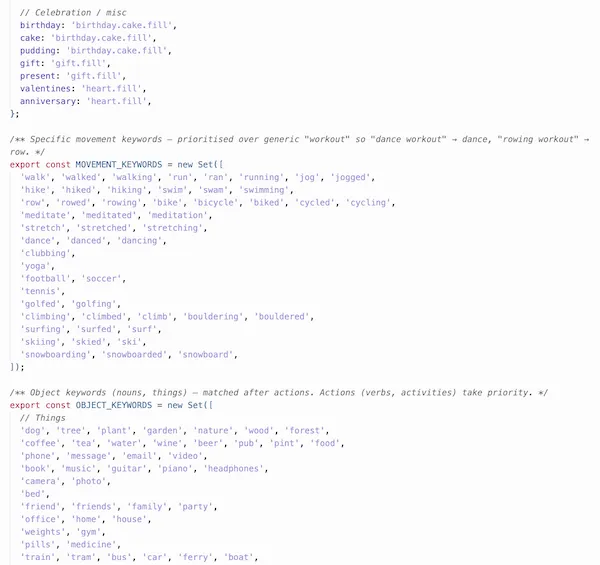
Then came multiple language support, which ballooned the lookup table considerably. This was to support Did It’s multilingual users because they shouldn’t have to switch app settings before they write. Limiting matching to whichever language was selected in the app felt wrong. So I expanded it to work across all languages regardless.
That’s when I found out my name means dog in Bosnian.
At this point several people started asking if the icon matching was AI powered. It’s a fair question. The behaviour had become genuinely responsive in a way that felt a bit uncanny. I did consider it. A small language model doing on-device sentiment analysis could probably do a better job than a lookup table, and would handle the long tail of phrases no lookup table ever will.
But on-device language models are still far too large to be practical in an app like this. And I’d never be comfortable sending someone’s entry text off their device to an external platform just to pick an icon. The whole point of Did It is that your entries are yours, stored locally, going nowhere. Running them through a remote AI to decorate them with a small picture would be a strange trade.
So the lookup table stays. It’s not perfect. It misses things, and occasionally gets it wrong. But it works without an internet connection, costs nothing to run, and keeps your entries exactly where they belong. I’ll keep an eye out for on-device language model improvements and revisit when they do not require bundling in the app, nor need content sent off device.
A clever icon isn’t worth the compromise.